

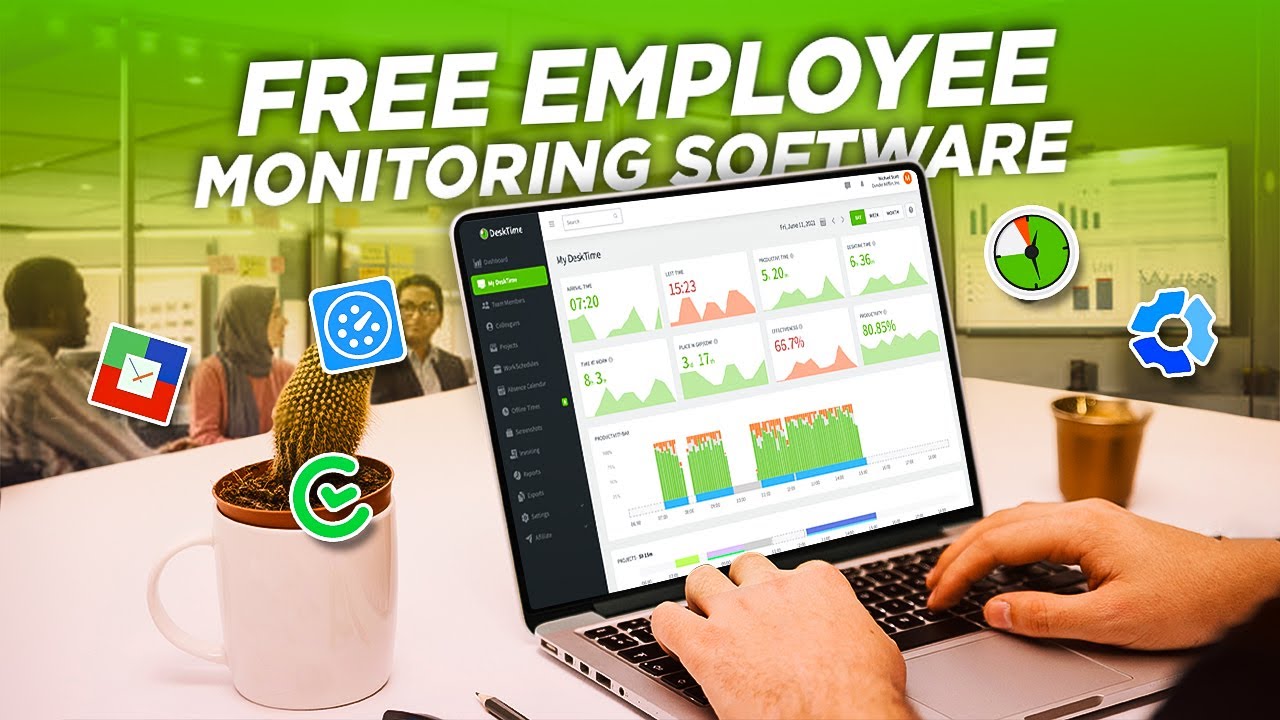
Teams evaluating employee monitoring options usually hit the same fork in the road. You need visibility into how work actually happens across desks, home offices, and hybrid schedules. Two names surface fast: Controlio and ActivTrak.
If you’re comparing Controlio against employee monitoring software like ActivTrak, the real question is what kind of data you plan to act on and how much extra work the tool will create for your IT and HR folks.
Controlio software starts with activity signals most tools capture and then layers AI scoring on top. It turns mouse movement, keystrokes, app time, and site visits into productivity KPIs, trend graphs, and workload alerts. You see overload patterns before they turn into burnout or missed deadlines.
ActivTrak focuses harder on team-level analytics. It pulls screenshots, usage logs, and focus time data to build benchmarks and spot imbalances. The design keeps the monitoring lighter by default.
What Each Tool Actually Records
Controlio gives you live session views plus optional screen recording that kicks in only on rule violations or for specific roles. Keystroke logging sits in the same conditional bucket. You can block distracting sites or USB drives during work hours and still let people scroll social media on breaks.
ActivTrak stays with screenshots and app or URL tracking in its core setup. It skips built-in keystroke or audio capture. That choice lowers privacy friction for many knowledge teams, but it also means you hit limits fast when you need to reconstruct exactly what happened on a device during an incident.
Productivity Layer: Scores, Trends, and Coaching
Controlio builds heat maps and performance bars that compare individuals against team averages. It flags sustained high activity without recovery time and highlights repetitive input patterns that often signal broken processes or duplicated work. Managers get scheduled PDF or CSV reports delivered automatically.
ActivTrak excels at utilization reports and coaching nudges tied to focus blocks and meeting load. It helps redistribute work across people. Where it stays thinner is in workload balance signals or early burnout indicators. Those usually require extra manual review or separate tools.
Deployment and Day-to-Day Friction
Controlio pushes the agent remotely across Windows and macOS machines. You pick stealth mode or a visible tray icon, then choose cloud, on-premise, or private cloud hosting. Most teams finish rollout in a couple of days. Employees can pause monitoring themselves when they step away for personal tasks, which cuts down on pushback.
ActivTrak also deploys cleanly with silent options and works fine over VPN. The admin interface stays simple for basic reporting. The catch appears when you want full screenshot history, extended data retention, or API access. Those features sit behind add-ons that raise both the bill and the configuration steps.
Privacy, Alerts, and Compliance Reality
Controlio encrypts data on device, in transit, and at rest. It supports role-based access, audit logs, and one-click GDPR or HIPAA modes. Behavior rules trigger real-time alerts for idle time, policy violations, or suspicious file moves. You can set different profiles per department or individual.
ActivTrak markets a privacy-first stance and avoids deeper capture like email reading or continuous video. That reduces exposure in regulated environments. The tradeoff is less forensic detail when you need to investigate a specific case thoroughly.
Pricing That Matches What You Actually Use
Controlio cloud plans start near $8 per user per month with a straightforward 14-day trial that includes most monitoring and reporting features. Storage scales with the plan. Enterprise options add unlimited history on request.
ActivTrak offers a free tier limited to three users and a short data history. Paid plans begin at $10 per user per month billed annually for unlimited users and core analytics. Full screenshots, detailed URLs, longer history, and API access often require separate add-ons that push effective pricing to $15–19 per user once everything runs. Many teams only see the full number after they commit.
Quick Decision Guide
Choose Controlio when you want AI-driven productivity scores, workload balance checks, and conditional deep monitoring without turning every device into a constant recorder. It fits teams that need both performance insights and the ability to investigate incidents without extra tools.
Choose ActivTrak when your priority is clean team benchmarks and utilization data with the smallest monitoring footprint possible. It suits groups already running on high trust and mainly need numbers to balance assignments or support headcount requests.
Both platforms stop short of automatically linking activity spikes to revenue impact or department-wide process waste. You still connect those dots yourself using the reports they generate.
Final Words
Run the same small team slice through both trials for two weeks. Build the reports your managers will actually read and compare how fast each tool surfaces the problems you already suspect. The one that reduces guesswork without new headaches is the keeper.

Comments are closed.